Stored on this device
Records and photos stay in this browser. There is no account or automatic upload; anyone using a shared browser may see them.

Your garage stays on this device.
Task Garage is free to use, and always will be. If it helps your vehicle's journey, a coffee helps keep it that way.

From builds to servicing: Track progress, manage tasks, and document your vehicle journey.
About Task Garage
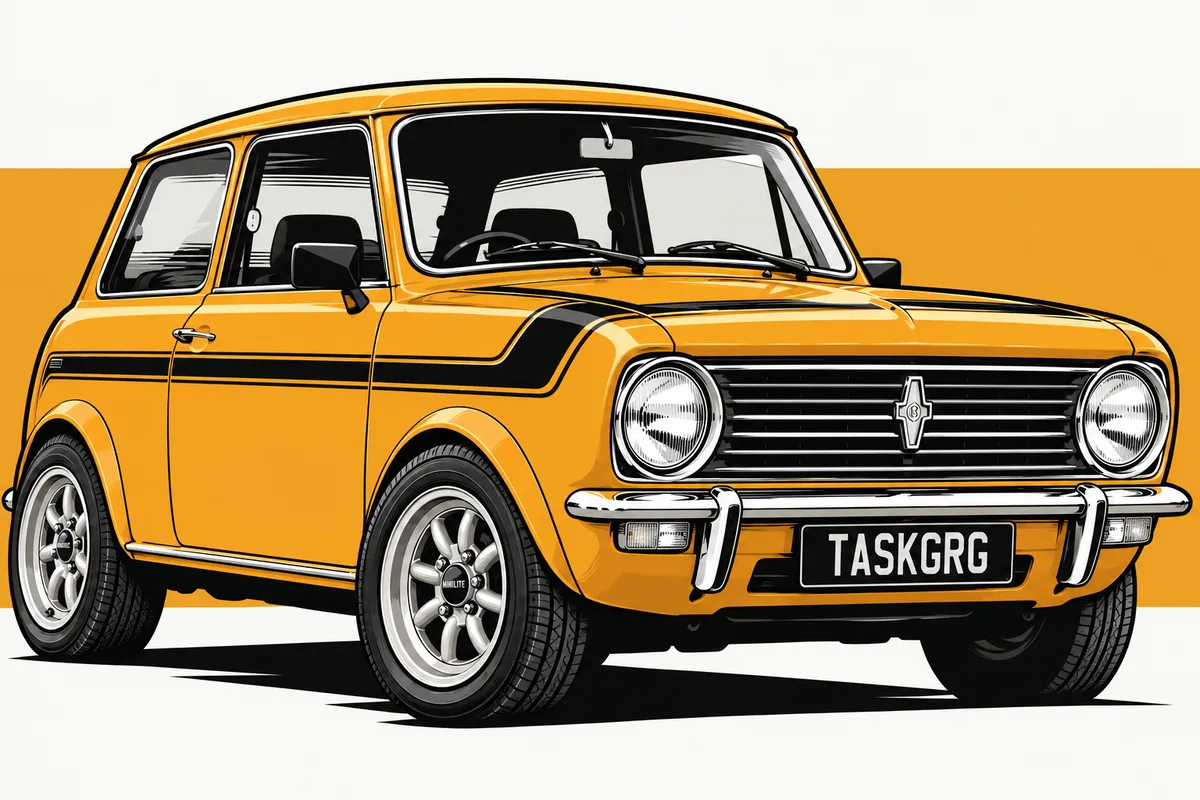
Task Garage began with the rebuild of my classic Mini Clubman. I wanted one place to keep track of the work, costs, photos and journeys that make up its story — without another boring spreadsheet or paying for yet another online service.
Because a vehicle is more than a to-do list. Tasks are for what comes next. History is for what you've done, where you've been and the milestones along the way.
What started with one Mini grew into a simple garage for anyone who wants to look after a vehicle — and remember its journey.
Your garage. Your data.
Records and photos stay in this browser. There is no account or automatic upload; anyone using a shared browser may see them.
Once loaded, Task Garage remains available without a connection, including your saved vehicle records and photos.
Clearing this browser's site data or losing the device may erase your garage. Save a .taskgarage backup somewhere safe.
How it works
Start with a vehicle. Add to its story as you go, and take it with you when you need to.
01 / Vehicle
Add its name and details once. Its tasks, history and photos stay connected to the right vehicle as the story grows.
Keep together
Task Garage is free to use, and always will be. No account, no subscription — your records stay on this device and travel with you in a backup file.
Open Task GarageVehicle story
What happened and when: servicing, trips, milestones and completed tasks.
Everything you add lives on this device. Generate a backup file and keep the downloaded copy somewhere safe, or use it to move your garage to another device.
Learn how Task Garage protects your privacy and data ownership.
Checking…
Clearing your browser data removes your garage, so keep a recent backup.
Need to check the app or its offline files? Open system check
Privacy & ownership
Task Garage is designed to work without an account. Your vehicle records and photos stay in this browser on this device unless you choose to export them.
Vehicles, tasks, history and photos are stored locally in your browser. Task Garage does not automatically upload them to us or another service.
Task Garage has no account and no advertising network. Like most websites, it uses Google Analytics to count visits and see which screens are used, so the app can be improved. Your vehicles, history, notes and photos are never included and never sent away.
Anyone who can use this browser profile may be able to open your garage. Use a protected device or browser profile for records you consider private.
Clearing this site's data, resetting the browser, losing the device or some device clean-up actions may remove your garage. Task Garage cannot recover a local garage from our servers.
A .taskgarage backup contains your vehicle records and saved photos. Generate one regularly,
keep the downloaded file somewhere safe, and protect it like any other personal document.
There is no automatic cross-device sync today. Save a backup on one device, move the file yourself, then restore it on the other device.
Task Garage roadmap
Task Garage is in Beta. This direction helps you decide whether it fits your vehicle journey; priorities may change as the app is tested and refined.
Available now
.taskgarage backupsUp next
Exploring later
Tried and set aside
A quick look at how Task Garage is set up on this device. Handy when something looks wrong.
This address doesn't exist. Your garage is stored on your device and is untouched.